Digitizing a real space: the gap between the demo and reality
Research log · Hyuga.ai
There’s a specific moment when something clicks. You see a demo of a space digitized in 3D (a property, a hotel, a venue), and you think: this changes everything for real estate and tourism.
We come from working with those industries. We know what it costs to show a space. We know what it’s worth that someone can walk through it without being there. So when we saw the first results of gaussian splat applied to real spaces, the question that came up was why isn’t everyone using it already?
We spent the following weeks trying to answer that.
What gaussian splat is
3D Gaussian Splatting (3DGS) is a rasterization technique for rendering photorealistic scenes in real time from a limited set of images. It was introduced in 2023 in the paper 3D Gaussian Splatting for Real-Time Radiance Field Rendering (Kerbl et al.).
Unlike traditional rendering, which draws triangles on screen, 3DGS represents the scene as a collection of millions of 3D gaussians, volumetric primitives, each defined by five parameters: position (XYZ), covariance (a 3x3 matrix describing shape and orientation), color (RGB), opacity (α), and spherical harmonics to capture view-dependent color variations.
The typical pipeline starts with Structure from Motion (SfM), using tools like COLMAP, to estimate camera poses and generate a sparse point cloud from the images. Each of those points is converted into an initial gaussian. After that, a gradient descent optimization process adjusts the parameters of each gaussian until the rendered views match the original photos.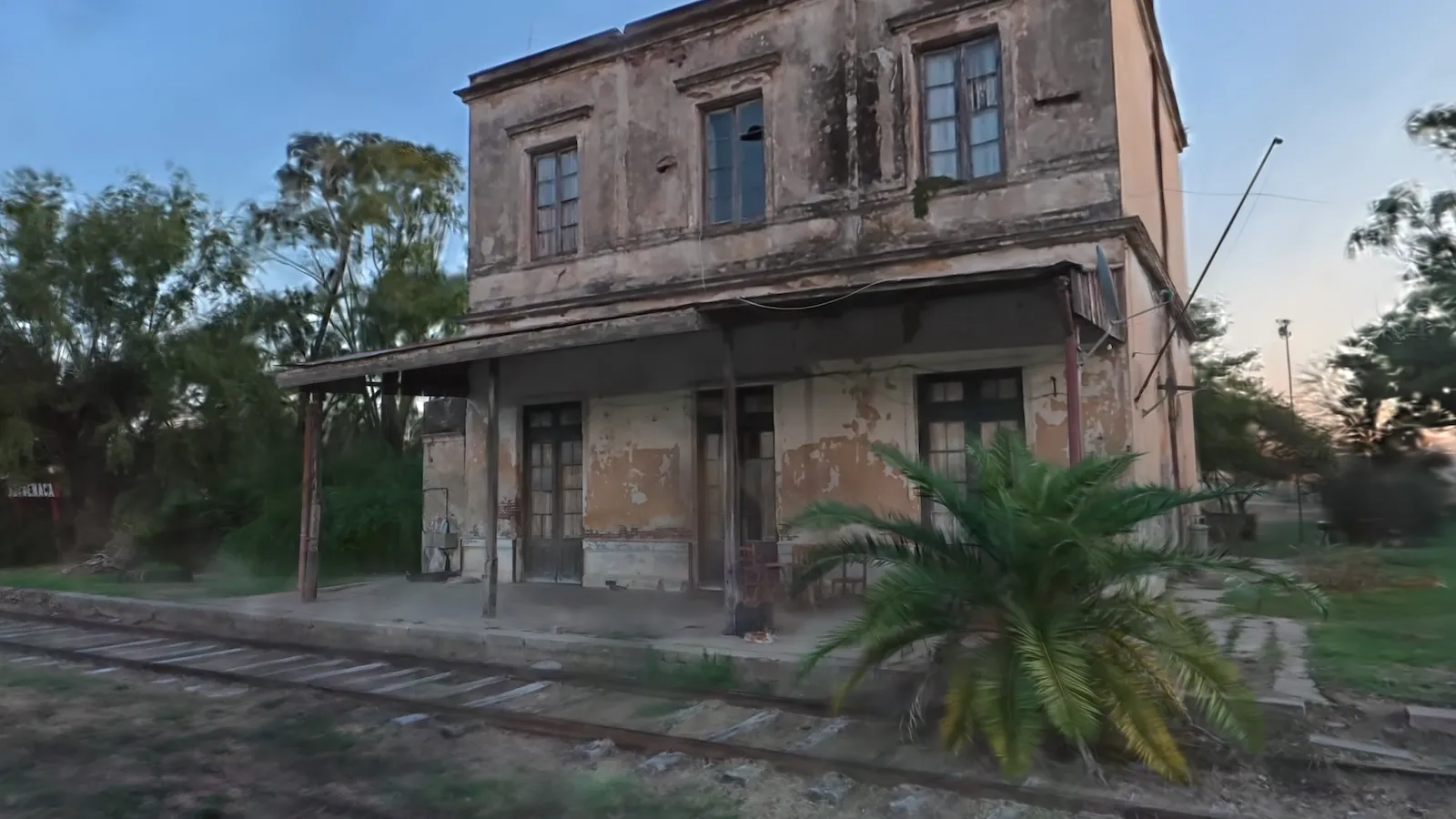
How it differs from other techniques
Compared to NeRF (Neural Radiance Fields): NeRF represents the scene with a neural network that has to be queried pixel by pixel, which makes it slow to both train and render. 3DGS replaces that network with an explicit representation: the gaussians themselves are the data. Result: training in minutes instead of hours, and real-time rendering on consumer GPUs.
Compared to traditional polygon meshes: a mesh is discrete geometry, vertices, edges, faces. 3DGS isn’t geometry in that sense; it’s closer to a point cloud with volume and transparency. This lets it capture fine details, partial transparencies, and complex geometries that meshes struggle with, but it also means a splat can’t be 3D printed directly or edited like a mesh. Methods to extract meshes from splats exist (SuGaR, GaussianSurfels), but they’re still active research.
Compared to classic point clouds: a point cloud is a set of coordinates with color. Gaussians add orientation, scale, and opacity, which gives them visual continuity; the result looks like a smooth surface, not discrete points.
The gap
The problem is the when they work.
The demos circulating online show flawless spaces, smooth transitions, texture details that look like photographs. What they don’t show is everything behind them: the specific hardware, the hours of processing, the failed attempts, the masks you have to create by hand, the pipelines that break halfway through.
When you try to replicate those results from scratch, you find something very different.
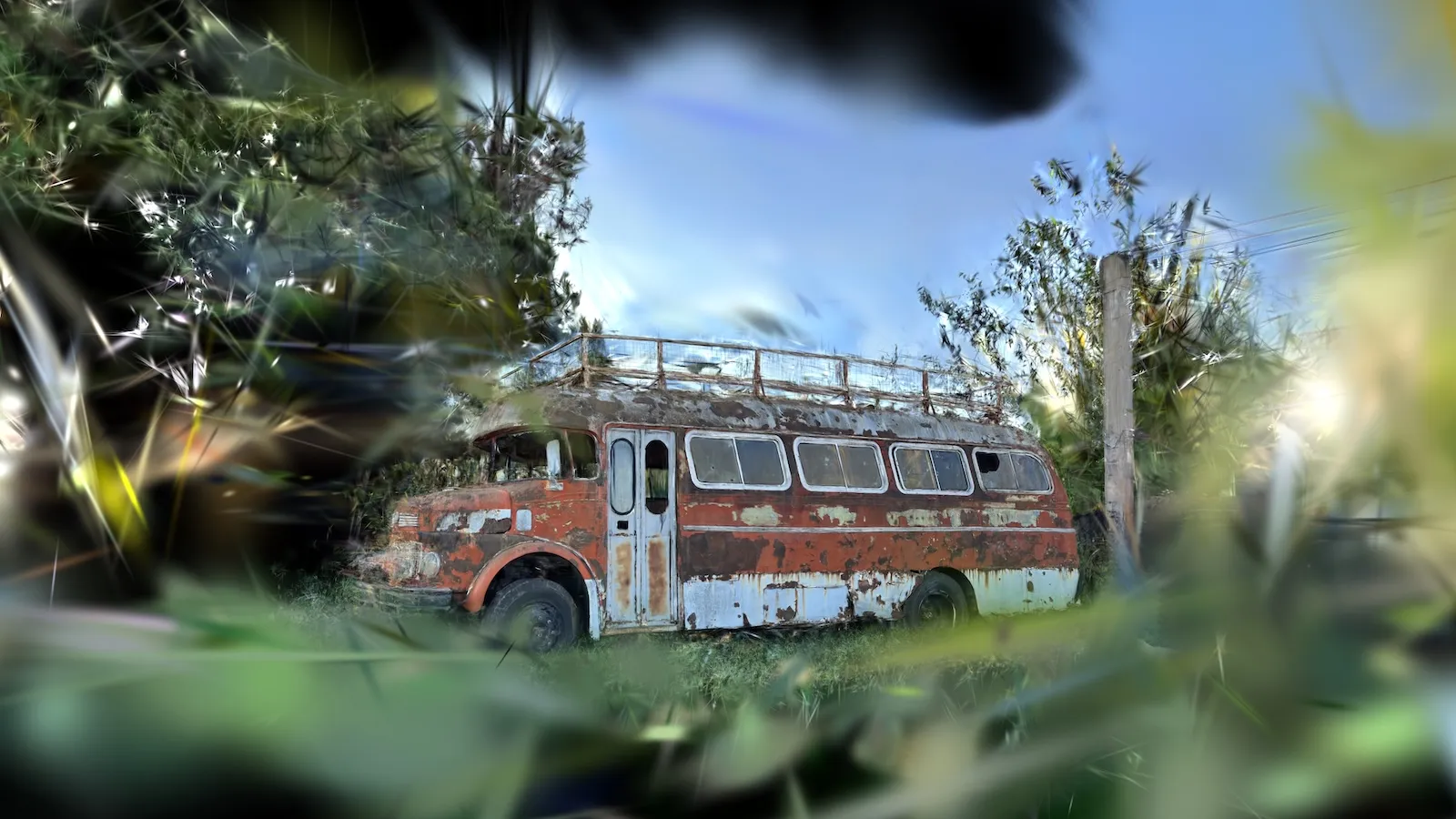
Capturing the photos is harder than it looks. The lens type matters. The angle matters. The overlap between images matters. Capture errors amplify at every stage of processing.
Processing is heavy. Traditional tools can take hours to run. Some fail outright if the image volume exceeds a certain threshold. Others require configuration that, without experience, turns into a maze.
Hardware is a real problem. Generating a quality gaussian splat requires GPUs that most people don’t have. Buying that hardware makes sense if you’re going to use it every day, not if you’re exploring whether the process is worth it.
Initial results are poor. The first attempt almost never produces something presentable. You have to refine: masks, parameters, iterations. Each round adds time and complexity.
The tools we tried
We went down several different paths:
RealityScan: The most accessible option in terms of friction. Fast results, a relatively guided process. The main limitation we found is that the output is less flexible, there’s less control over the process parameters and less room to tune the result to a specific use case.
Metashape: Professional tool with notably better results. The process is more robust, the control is greater. The problem is that it’s paid, and the cost isn’t trivial for someone in the exploration phase.
COLMAP: The open source option. Slower, more demanding on setup, more dependent on GPU hardware. But also the one that offers the most control and has no license cost barrier. It’s the tool that, with enough patience and the right hardware, lets you go furthest.
AI models for Structure from Motion: We tested several recent models that promise to replace or accelerate the SfM stage with neural networks (feature matching, pose estimation, dense point cloud generation). They work well with small datasets. With large datasets, the real volumes a complete space needs, we started hitting two problems: error growing as the number of images increases, and memory consumption that explodes. They’re a promising path, but they don’t yet solve the use case of a full space.
The minimum that worked
We tried pretty much everything you can try at the capture level: conventional undistorted images, fish-eye lenses, and 360 cameras. Each format has its advantages and its problems; 360 image matching has its own challenges, fish-eye introduces distortions that have to be corrected, conventional photos demand very precise overlap between shots.
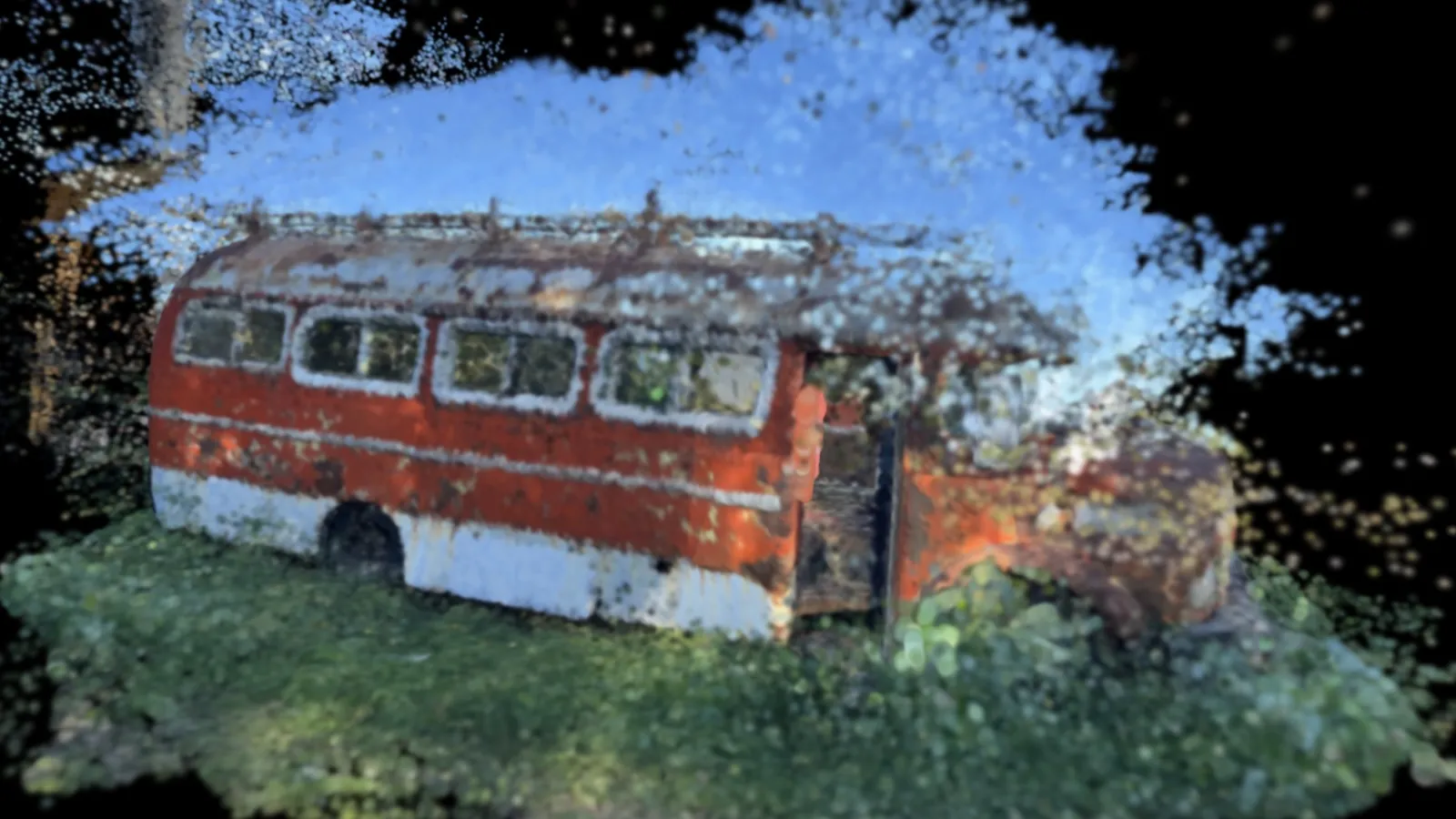
The best result, on balance, came with a 360 camera. Not because it’s essential, but because it solves a concrete trade-off: it avoids having to buy extremely specific hardware, and at the same time it frees the operator from having to be surgical about the overlap between photos. A 360 camera captures the full environment in each shot, and from that capture you can orthogonally project conventional views to feed the pipeline. The learning curve to produce a usable capture is much shorter.
The combination that worked:
- 360 camera as the best balance between hardware cost and tolerance for capture error
- Daylight; and it’s worth explaining why: the SfM and matching stages depend on detecting features (distinctive points) in each image and pairing them across views. With low light there’s less visible texture, less contrast, more noise, and matching fails or becomes unstable. It’s not an aesthetic preference: it’s an algorithmic limitation.
- COLMAP for image processing and sparse point cloud generation
- Gaussian splat pipeline on top of that base
It’s not a production-ready solution. It’s the floor. The point from which it makes sense to keep iterating.
What’s interesting is that, with those minimum conditions met, the jump in quality was significant compared to previous attempts. Not because we found the definitive method, but because we eliminated the variables that generated the most noise.
What’s next
This article doesn’t close anything. It’s the beginning of a series of investigations into how to digitize real spaces in a way that’s useful, replicable, and viable for the industries that could benefit.
The questions left open for us:
- What’s the optimal capture flow with a 360 camera? Which movement patterns produce the best coverage?
- How do you reduce processing time without sacrificing quality?
- How far can AI models for SfM go once the scale and memory problems are solved?
- Is there any pipeline that works well without a high-end GPU?
- How long does it actually take, in practice, to produce a result you can show to a client?
We keep investigating. In the next article we’ll go deeper into the capture process: what we found, what failed, and what started to work.
Hyuga.ai · research in progress Have experience with any of these tools? We’d love to compare notes.