Notes on scanning an object with a 360° camera
Research log · Hyuga.ai · Article 3
In the second article we ran the full pipeline on open spaces: fisheye split, two-camera rig, COLMAP. This week we changed the target: scanning an isolated object. We scanned a vintage 90s PC, CRT monitor and beige case, placed at the center of the scene to reconstruct it in as much detail as possible. After several runs, what separated a clean splat from one with seams was the camera poses.
The setup
We captured with a DJI Osmo 360, with a softbox over the object to soften the shadows on the monitor and the case. We recorded equirectangular with fixed ISO and parameters. From there we followed the usual pipeline: cut the video into equal stretches and keep the sharpest frame from each one. We started with 200 segments and worked up to 500.
We trained COLMAP with both cameras of the rig even though the PC only appeared in the front one (pano_camera0). The rear lens doesn’t see the object, but it gives COLMAP more surroundings to place each pose. Brush trains with the front camera only.
We use Brush because it runs on a normal machine, no specific hardware. Lichtfeld or any other trainer works too; nothing in this article depends on that.
The Osmo’s stabilization was breaking the frames
In the first extracted frames there was an odd seam that didn’t close between one image and the next. After going in circles, the problem was the camera’s stabilization.
With stabilization on, the Osmo rotates the image between its two physical lenses to compensate for movement. A given physical lens stops landing consistently in the same fisheye image. That yaw and pitch the camera applies on its own was breaking the frames, which was exactly what we’d been careful about during capture.
We turned it off and each physical lens stayed fixed to its camera: one to pano_camera0, the other to pano_camera1. The cost was that without stabilization the camera also doesn’t do the vertical flip, so we did that flip ourselves in preprocessing. One extra step and the frames closed again.
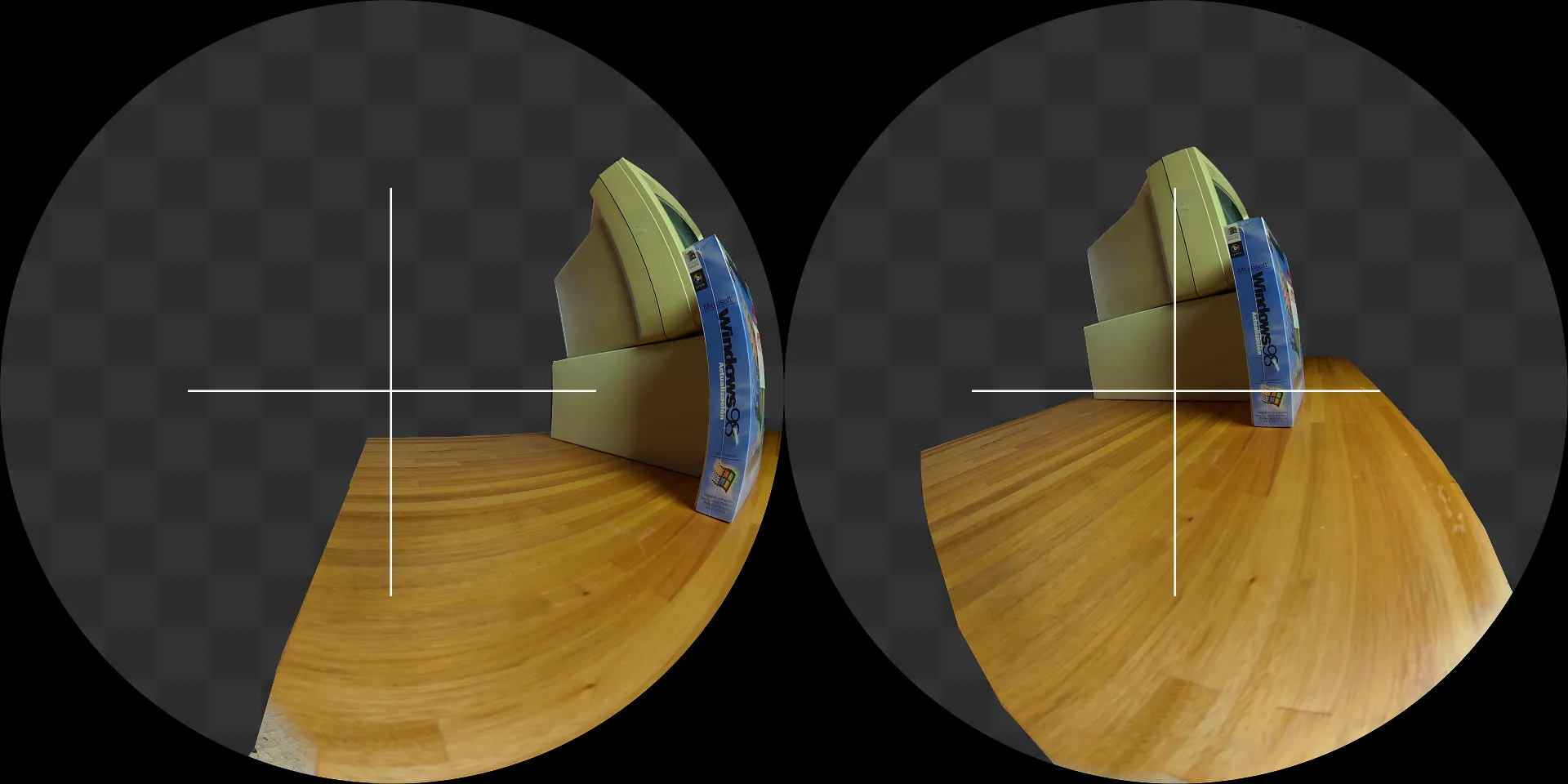
With stabilization on, a given physical lens stops landing consistently in the same fisheye image and the seam between frames doesn’t close.
Pose error was what moved the needle
We ran COLMAP several times, changing matching resolution, matching method, and number of segments. Two of those runs made clear what actually mattered.
| Sequential (pc-2-2) | Exhaustive (pc-2-3) | |
|---|---|---|
| Views | 500 | 500 |
| Reproj pano0 (mean) | 1.134 px | 1.096 px |
| Reproj pano0 (median) | 1.178 px | 1.102 px |
| Spiral zone (seg 29–47) | 1.288 px | 0.995 px |
We don’t compare the number of 3D points between the two runs: they were processed at different matching resolutions, so the point count isn’t equivalent. The comparable metric is reprojection error.
The run on the right produced the best splat, with no seams and none of that parallax where the object seems to shift incoherently between views. The relevant figure is in the last row. The spiral zone, the hardest part of the capture where we circled the PC, dropped from 1.288 to 0.995 px of error, 29% less. It was exactly where the seams used to appear. Once the pose error came down, the seams were gone.
We checked it from the other side. We densified a scene with RomaV2, which adds a large number of points while keeping the same poses. The visual improvement was minimal. The poses didn’t change, so the underlying problem was still there, now buried under more points.
When a splat comes out with seams or incoherent parallax, the instinct is to add density. For this object, density wasn’t the problem. What fixed the result was lowering the camera pose error.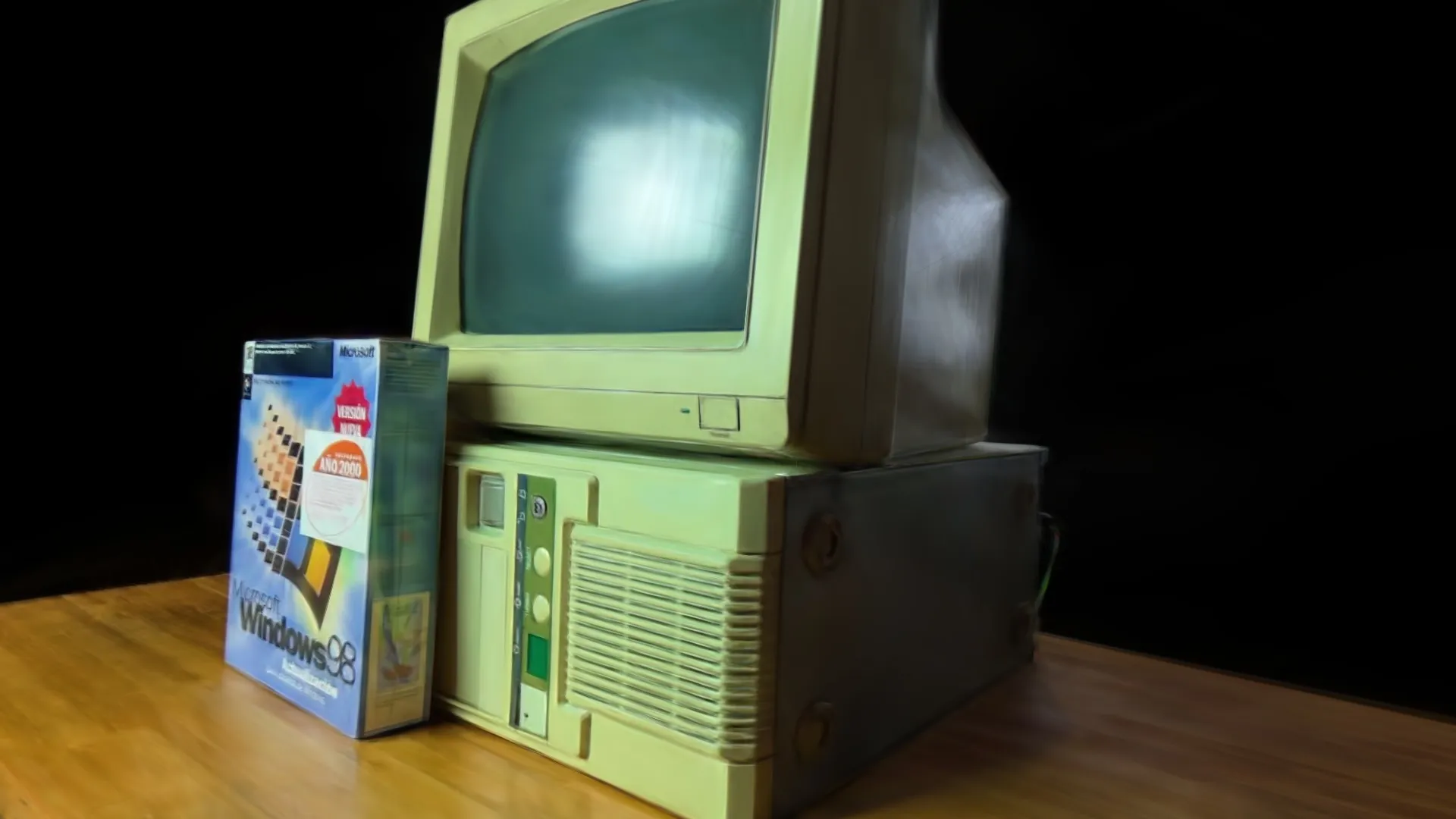
Sequential or exhaustive
COLMAP can match images sequentially (each photo against its neighbors in time) or exhaustively (all against all).
Both worked. In some cases one did better, in others the other, depending on how the capture was ordered and on coverage. What mattered was which one left the lowest reprojection error for the dataset. For this PC and this capture, exhaustive won in the spiral zone that was giving us trouble. We take it as a result for this dataset and not as a rule.
Measure the error and choose based on that.Masks even when there are no people
In the previous articles, masks were for removing people. Here there were no people, and masks were still one of the best decisions.
The idea is to train the splat only on the object and ignore the background. We trained a YOLO to segment the PC’s silhouette across the 500 images. With 100 hand annotations and a fine-tune of about 6 minutes, the model cropped the object in every view with good accuracy.
The impact on training was large:
| No masks | With masks | |
|---|---|---|
| Final PLY | 379 MB (cut off) | 61 MB |
| Duration | ~9 h (unfinished) | ~1h44m |
| RAM | extreme swap | under control |
| HD 3840 | not viable | viable |
Without masks, Brush tried to reconstruct the entire background too, with huge files and runs that sometimes didn’t even finish. With masks, training concentrated on the PC.
By narrowing the work to the object we could train at real HD (3840×3840). Without masks, HD wasn’t viable because of RAM. With masks it fit comfortably and the object’s detail went up.Even when the scene has nothing to hide, masks tell the trainer where to put the effort. Less RAM, less time, more resolution where it matters.
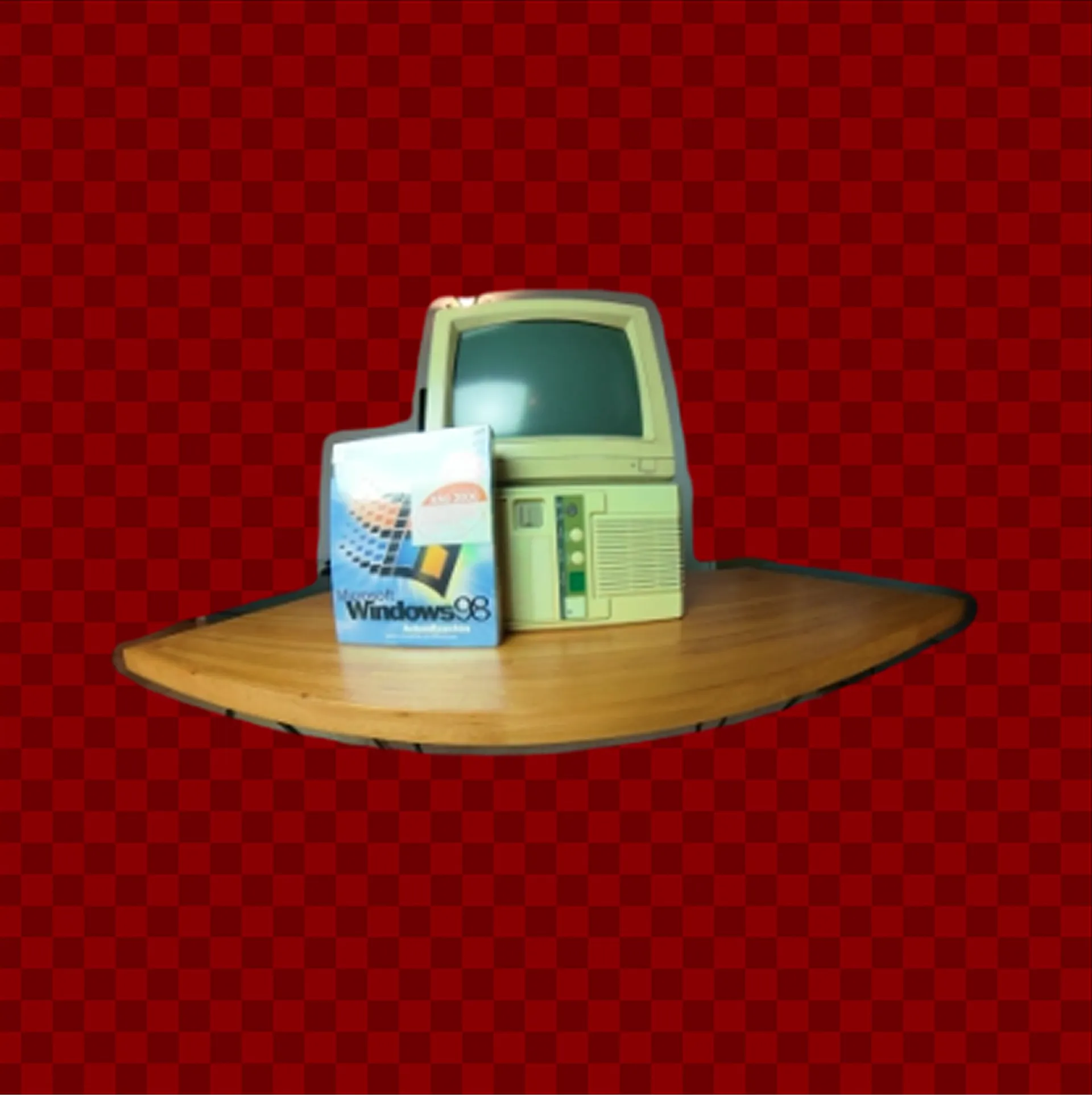
YOLO segmentation mask over the PC: the trainer concentrates the work on the object and ignores the background.
The result
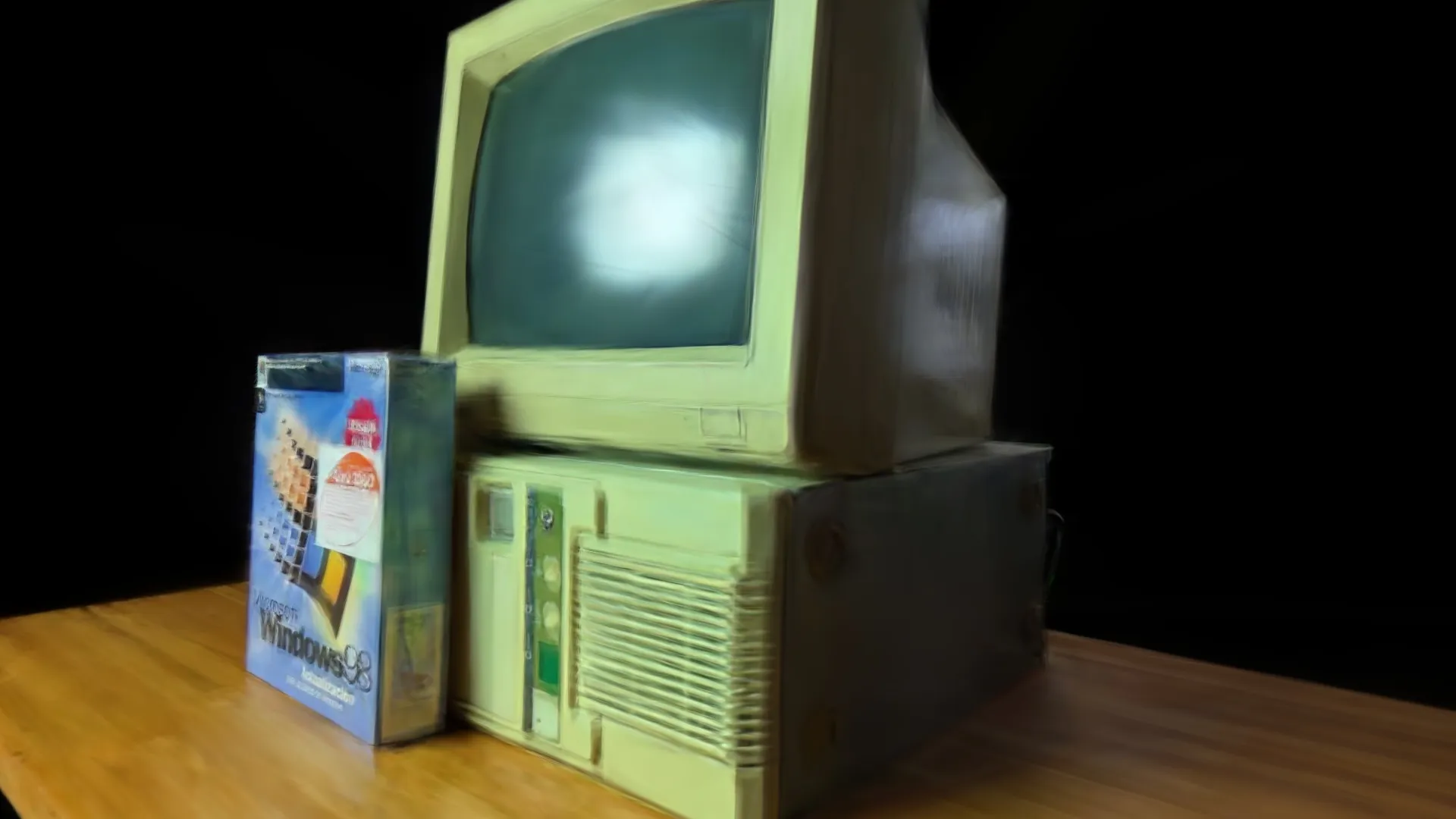
The best splat came from putting all of this together: the poses with the lowest error we could get, HD images, and masks to concentrate the work on the object. The PC came out sharp, with no seams, good detail on the CRT and the case, and the splats focused on the object instead of scattered across the background.
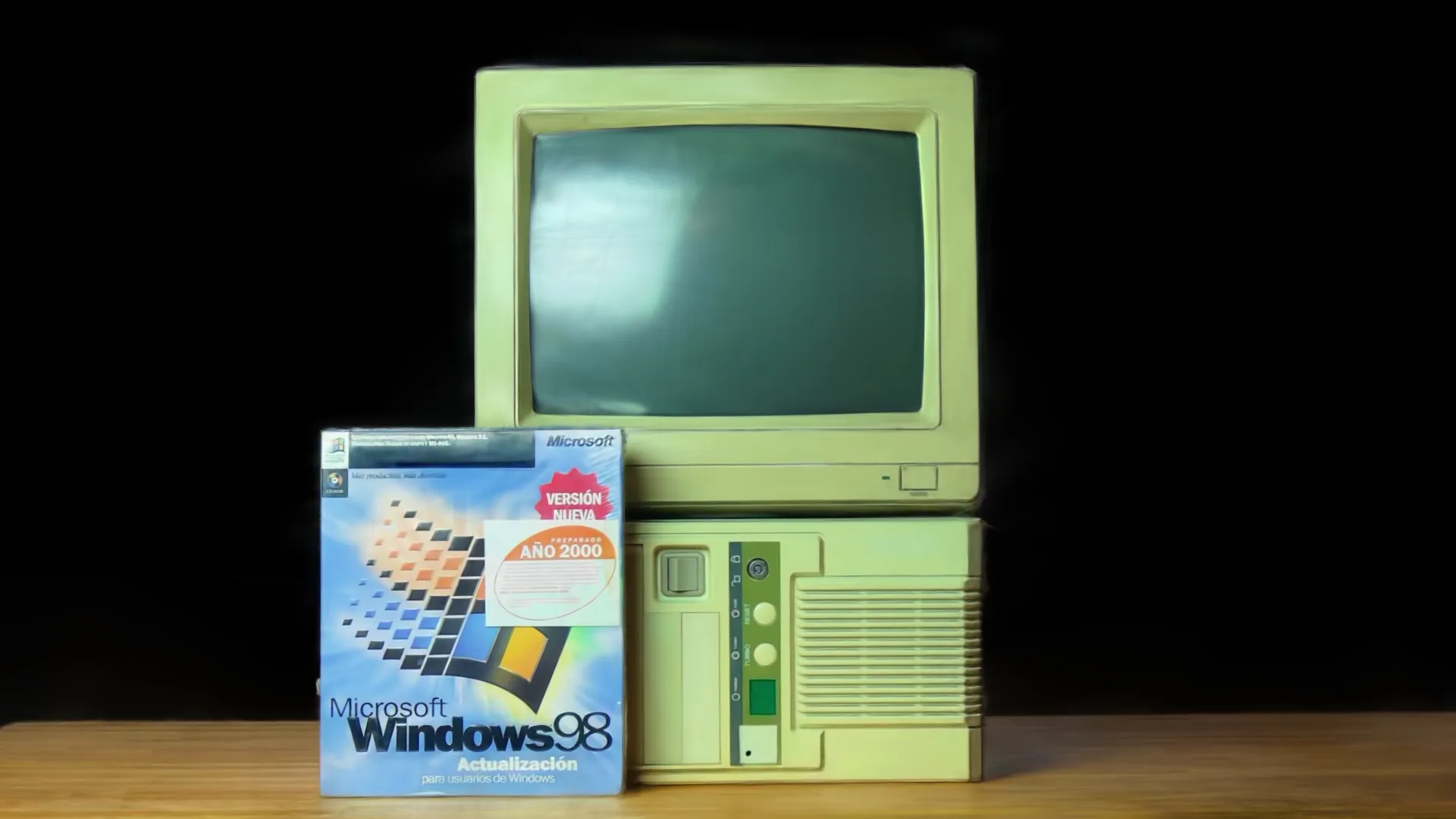
Final result: low-error poses, HD training, and object masks.
What’s next
What we’re taking away:
- When the splat has seams or odd parallax, look at the pose error before adding points.
- Sequential and exhaustive both work. Keep whichever leaves you the lowest error.
- If you scan an object with a 360, turn off stabilization so each physical lens stays fixed to its camera.
- Use masks even when there are no people. They cut RAM and time, and they let you push more resolution onto the object.
Open questions:
- How far can you lower the pose error before it stops showing in the splat?
- When is densifying worth it, and when is it just covering a pose problem?
- Training everything at HD with exhaustive died on us from RAM. How do you scale that without dedicated hardware?
Hyuga.ai — research in progress Scanning objects or spaces? We’d love to compare notes.